Challenge
ID Verifiation Challenges to Defend Against Impersonation Attacks
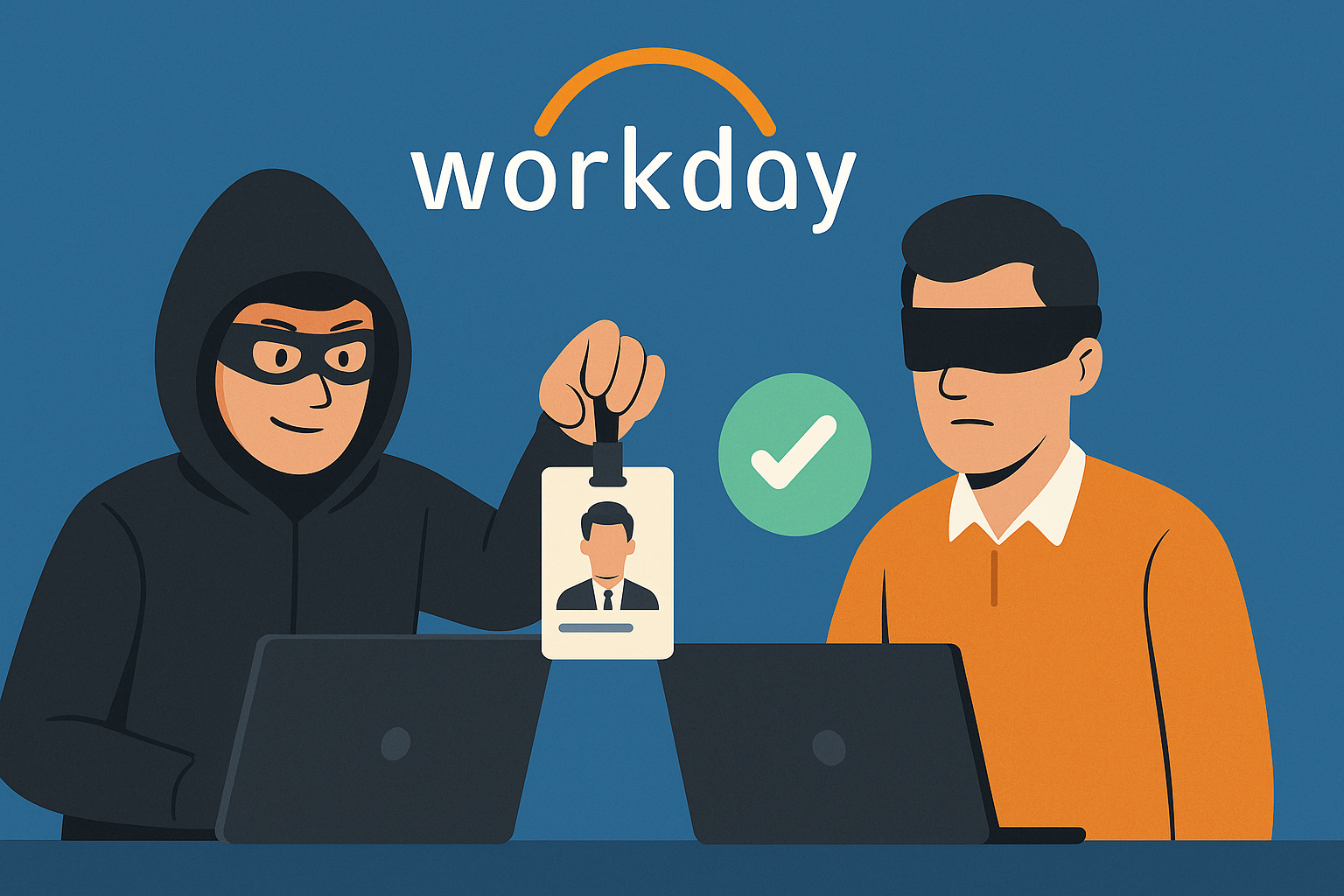
Challenge integrates seamlessly into your Slack workflows, ITSM systems and SOAR playbooks to give you assurance that users are who they say they are through IdP SSO-based authentication challenges.
Secure Verification
IdP SSO-based identity verification with device fingerprinting & geolocation
Easy Integration
Slack slash commands, webhook API, and ITSM workflow integration
Fast Response
Real-time verification with instant notifications and callbacks
Pricing
Starter
- All integrations
- SSO authentication
- Audit logs
- RBAC
- Email support
Growth
- All integrations
- SSO authentication
- Audit logs
- RBAC
- Email support
Scale
- All integrations
- SSO authentication
- Audit logs
- RBAC
- Email support
Unlimited
- All integrations
- SSO authentication
- Audit logs
- RBAC
- Email support
Monthly metered usage with graduated tiers
Need enterprise billing?
Contact Sales
Challenge Blog
Latest insights on identity verification, impersonation detection, and security workflows.


Frequently Asked Questions
1. How does Challenge work?
Challenge provides identity verification workflows through multiple integration methods:
Slack Integration: Use the /challenge slash command to request identity verification from any user in your Slack workspace.
Webhook API: Create challenges programmatically from your ITSM system, SOAR playbooks, or automation tools via REST API.
IdP SSO: Users verify their identity through SAML 2.0 or OIDC authentication with your identity provider, ensuring they are who they claim to be.
2. What integrations are supported?
Challenge supports multiple integration methods:
- Slack Integration - Use slash commands to challenge slack users and send direct messages
- SAML 2.0 - Full SAML support for identity provider authentication
- OIDC - OpenID Connect support for broader IdP compatibility
- Webhook API - REST API for creating challenges programmatically
3. What are common use cases?
Challenge is designed for security and business workflows:
- SOAR playbooks: Challenge users that trigger security detections in your SIEM and auto-close alerts without waking up an on-call human
- ITSM Workflows: Verify user identity before granting access to sensitive systems or processing high-risk requests
- Security Verification: Detect and prevent impersonation attacks and account takeovers by challenging users that show suspicious behavior
- Financial Transactions: Require identity verification for large money transfers or payment approvals and prevent fraud
- Access Requests: Verify identity before granting elevated permissions or access to critical resources and prevent lateral movement
- Deepfake Detection: Use device fingerprinting and IdP authentication to detect potential deepfake or impersonation attempts
4. How does pricing work?
Challenge uses metered usage with graduated tiers:
- Each tier includes a flat monthly fee covering a base number of challenges
- Overage charges apply per challenge beyond the included amount
- Unlimited tier includes fair use policy of 20,000 challenges per month
- Customers exceeding fair use limits can discuss custom enterprise pricing with our sales team
To upgrade your pricing tier, contact support as subscription changes must be processed manually for metered usage products.
5. What security features are included?
Challenge includes comprehensive security features:
- Device Fingerprinting: Collects browser, OS, screen resolution, timezone, geolocation, and IP address metadata
- IdP SSO Authentication: Users authenticate through your existing identity provider (SAML or OIDC)
- Challenge Expiration: Verification links expire after 15 minutes for security
- Audit Logging: All challenge events are logged for security and compliance
- Webhook Signatures: Optional HMAC SHA256 signatures for webhook callbacks
6. How does the webhook API work?
The webhook API allows you to create challenges programmatically and receive callbacks when challenges complete:
- Create challenges via REST API with API key authentication
- Receive webhook callbacks when challenges complete (verified, failed, or expired)
- Check challenge status via API at any time
- Support for both standard URL-based challenges and Slack-based challenges via API
See the Webhook Integration Guide for complete API documentation and examples.
7. What data does Challenge store?
Challenge stores minimal data required for identity verification:
- Challenge metadata (challenge ID, status, timestamps)
- Target user email and identifier
- Device fingerprinting data (browser, OS, IP address, etc.)
- Integration configuration (Slack tokens, IdP settings, webhook secrets - all encrypted)
We never store passwords, and all sensitive data is encrypted at rest and in transit. See our Privacy Policy for details.
8. Can I customize success and error pages?
Yes. Challenge provides customizable success and error pages that display support contact information configured in your admin console. See the Success and Error Pages guide for details.
Challenge Documentation
Access integration guides, configuration instructions, and API reference for Challenge.
View Challenge Documentation